
Code for the web
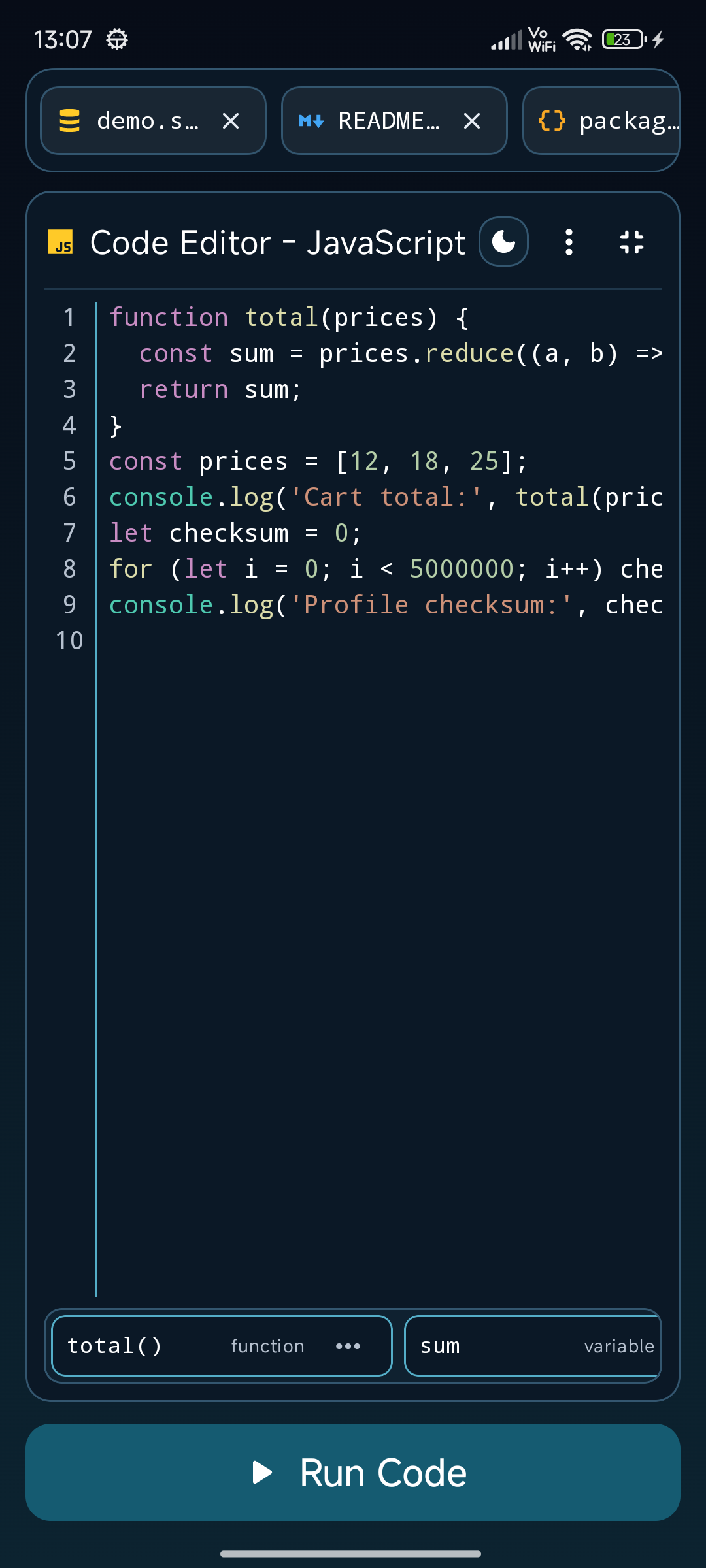
Edit HTML, CSS, JavaScript, TypeScript and JSON with file tabs, syntax highlighting, completion, signature hints, diagnostics and formatting. Work with Markdown and other text files too.
 View screenshot ↗
PocketCoded Web / Web IDE
Build websites, interactive pages and compatible Node.js projects on Android. Bring editing, live previews, package tools and project management together on your phone or tablet.

From code to local preview
Edit HTML, CSS, JavaScript, TypeScript and JSON with file tabs, syntax highlighting, completion, signature hints, diagnostics and formatting. Work with Markdown and other text files too.
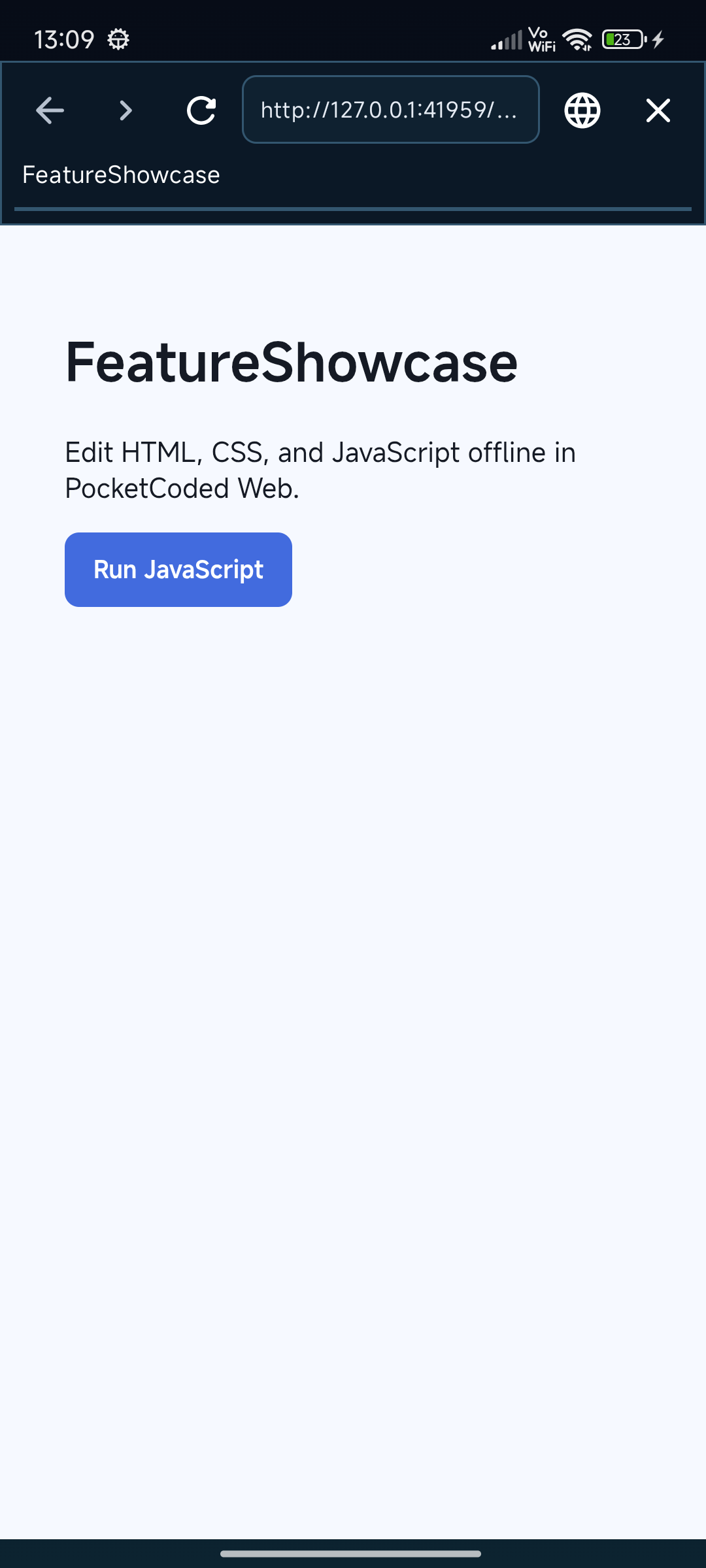
View screenshot ↗Test layouts, forms and JavaScript in the in-app preview or your device browser. Preview local projects or reachable development servers and read browser console messages in the terminal.
 View screenshot ↗
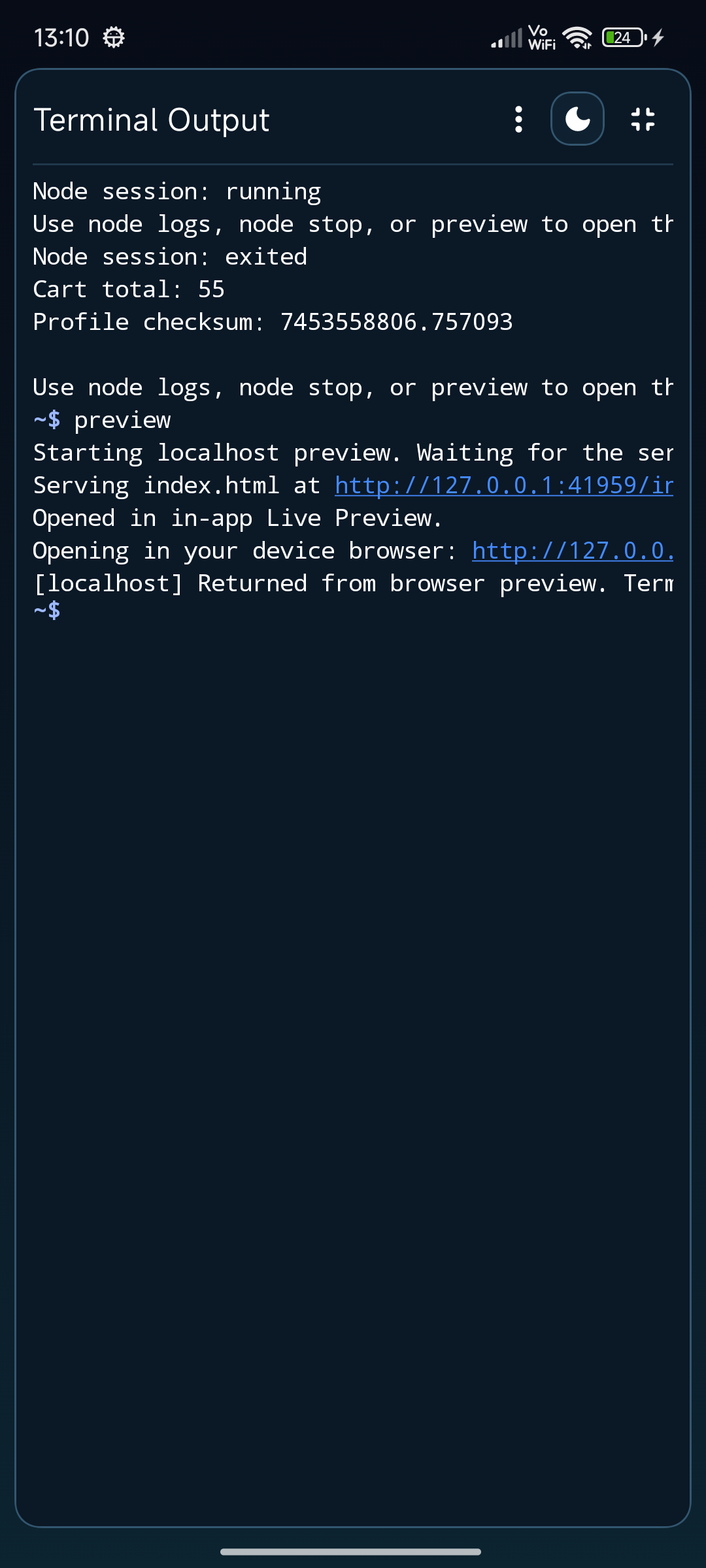
Execute JavaScript scripts and compatible modules, start local HTTP servers and APIs, inspect logs and stop sessions. Use the terminal to manage files and supported development commands.
 View screenshot ↗
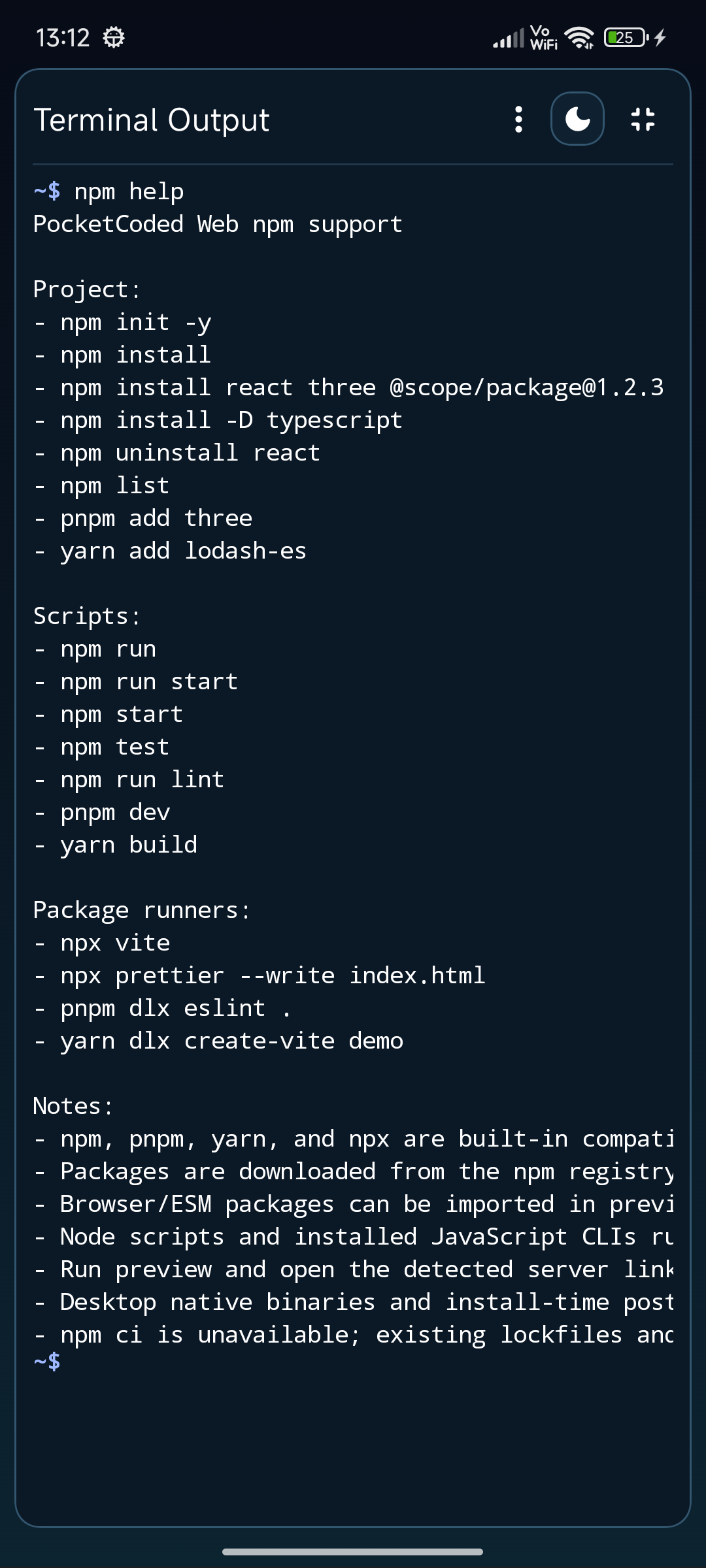
Install dependencies and run supported dev, start, build or test scripts with npm, pnpm, yarn and npx commands. Work on framework projects when their tools and dependencies fit the Android environment.
 View screenshot ↗
Create projects, import files or ZIP archives, search and organise folders, and export your work. Choose light or dark themes and adjust the workspace panels.
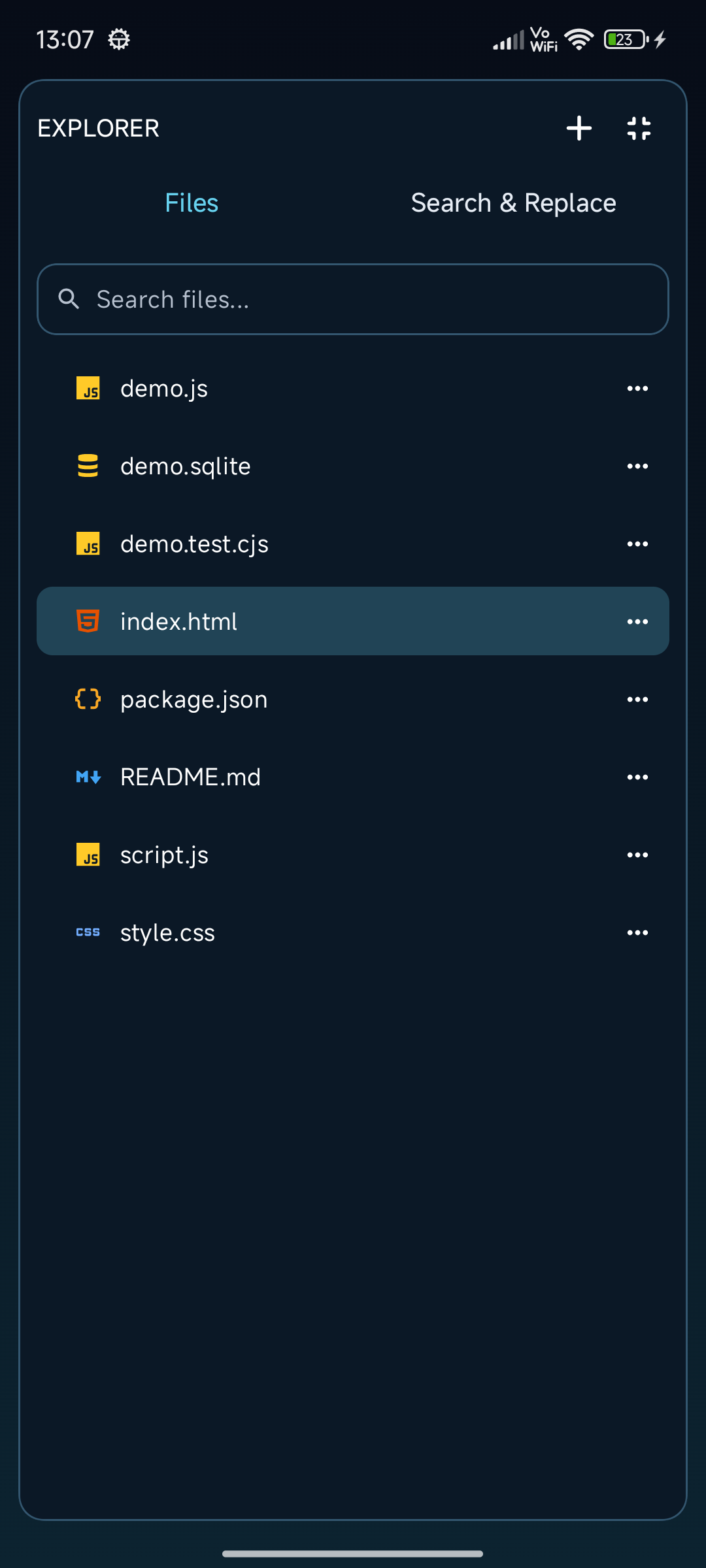 View screenshot ↗
Track changes, stage files, commit and use supported Git branch and remote operations. Transfer website files and folders to SFTP hosting with SSH key authentication on Android 8 or newer.
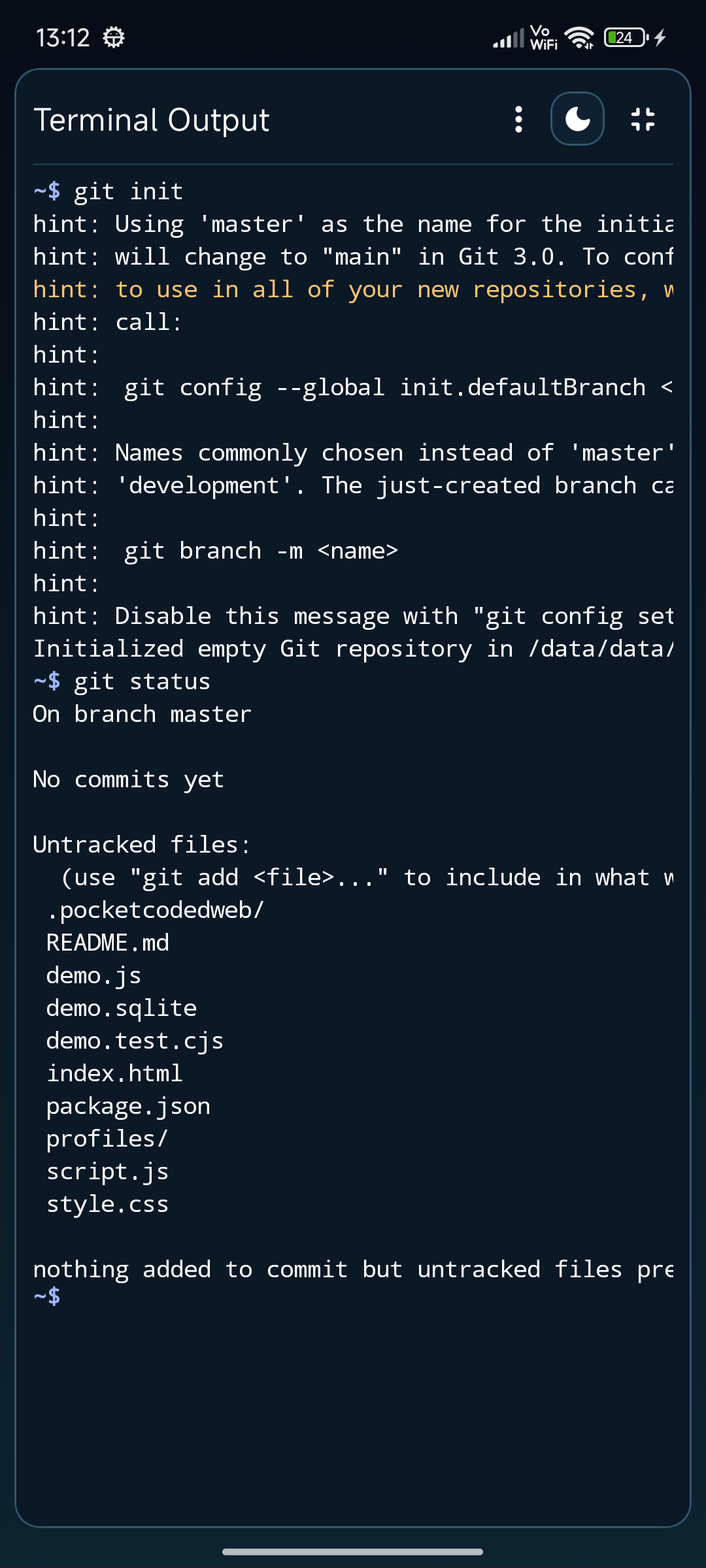 View screenshot ↗
Search project symbols, find references, inspect type and module information, and preview or apply supported symbol renames. Use code diagnostics to help spot problems as you work.
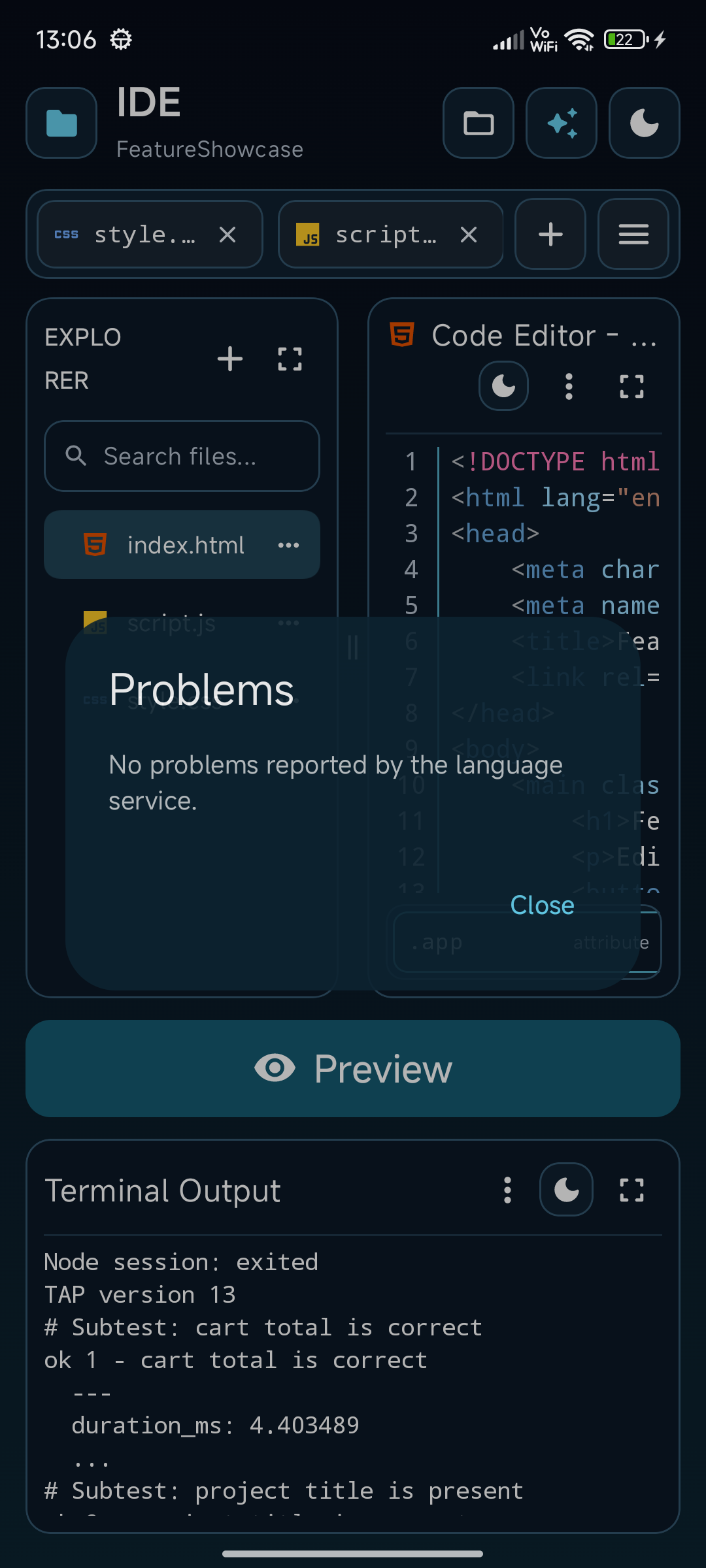 View screenshot ↗
Ask for explanations, debugging help, pages, components or styling changes. Review proposed terminal commands and edits across project files, then tap to approve the actions you want.
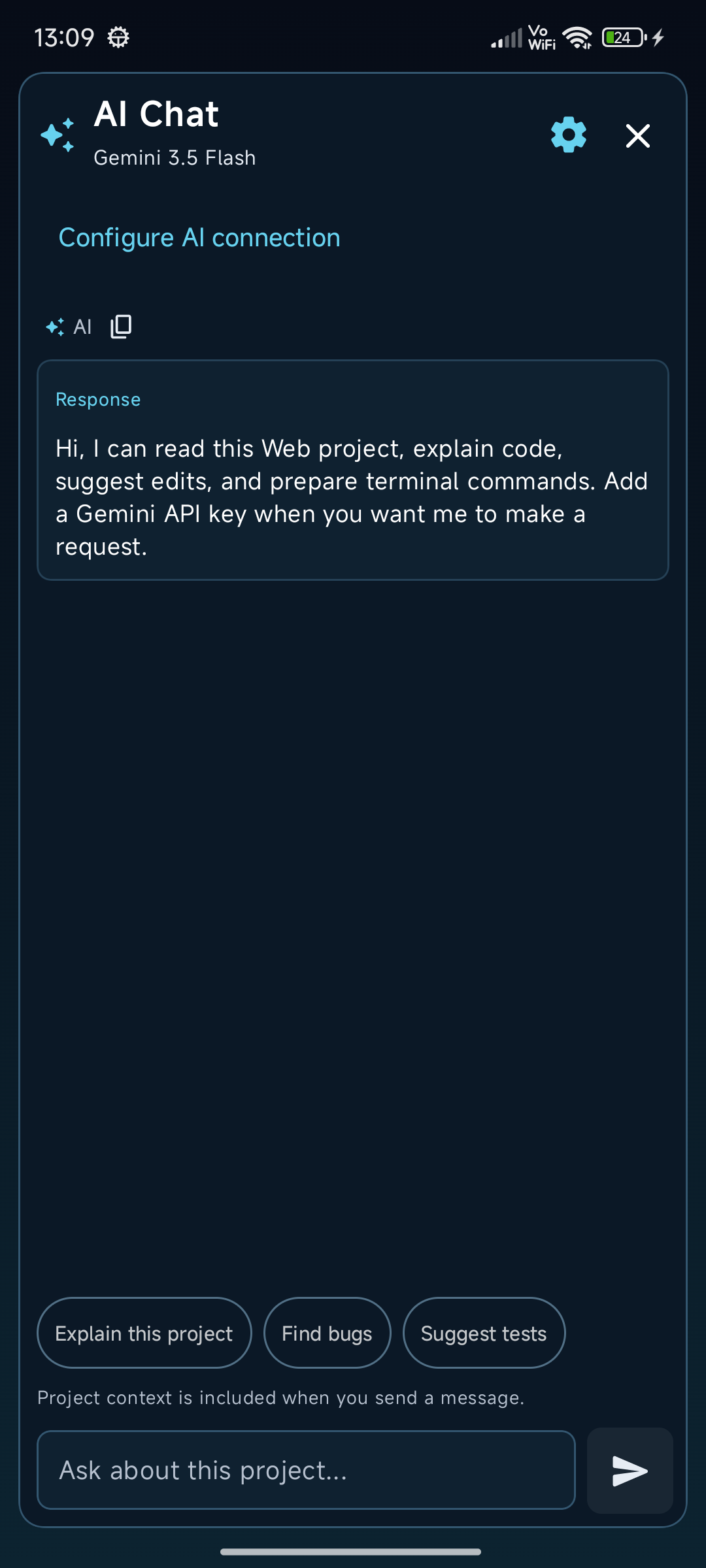 View screenshot ↗
Offline-first, explained
Code editing, project files and local website previews work on your device. Package downloads, AI, remote Git, SFTP and remote preview URLs need a connection. Sign-in, verification and access checks can also require internet access.
<!-- Start with something of your own. -->
<main>
  <h1>Hello, possibility.</h1>
  <p>Made on my phone.</p>
</main>
Write a little. Preview locally. Refine your idea.
Before you begin
Pure JavaScript and WebAssembly packages are the strongest fit. Native addons, desktop executables, newer runtime requirements or unsupported shell features may prevent a tool from working. Framework support depends on the project and its dependencies.
The terminal provides supported development commands rather than a complete desktop Linux environment. Editing a language does not mean it can run here. Git command and transport availability can vary by device. Projects are local; move them using export, Git or SFTP.
Optional AI requires your own provider API key. Requests share prompts and included code or terminal context with that provider. Availability, quotas and usage charges depend on your provider account. Review suggestions before approving actions.
A 14-day trial gives access to the workspace. Continued workspace access after the trial requires Premium, offered as a one-time Google Play purchase with purchase restoration. Check Google Play for the current price. AI provider usage is separate.
Inside the real app / 26 October 2026
Browse original device captures. Select a screenshot for a closer look. Some captures show setup screens or work in progress.