
Write Java, anywhere
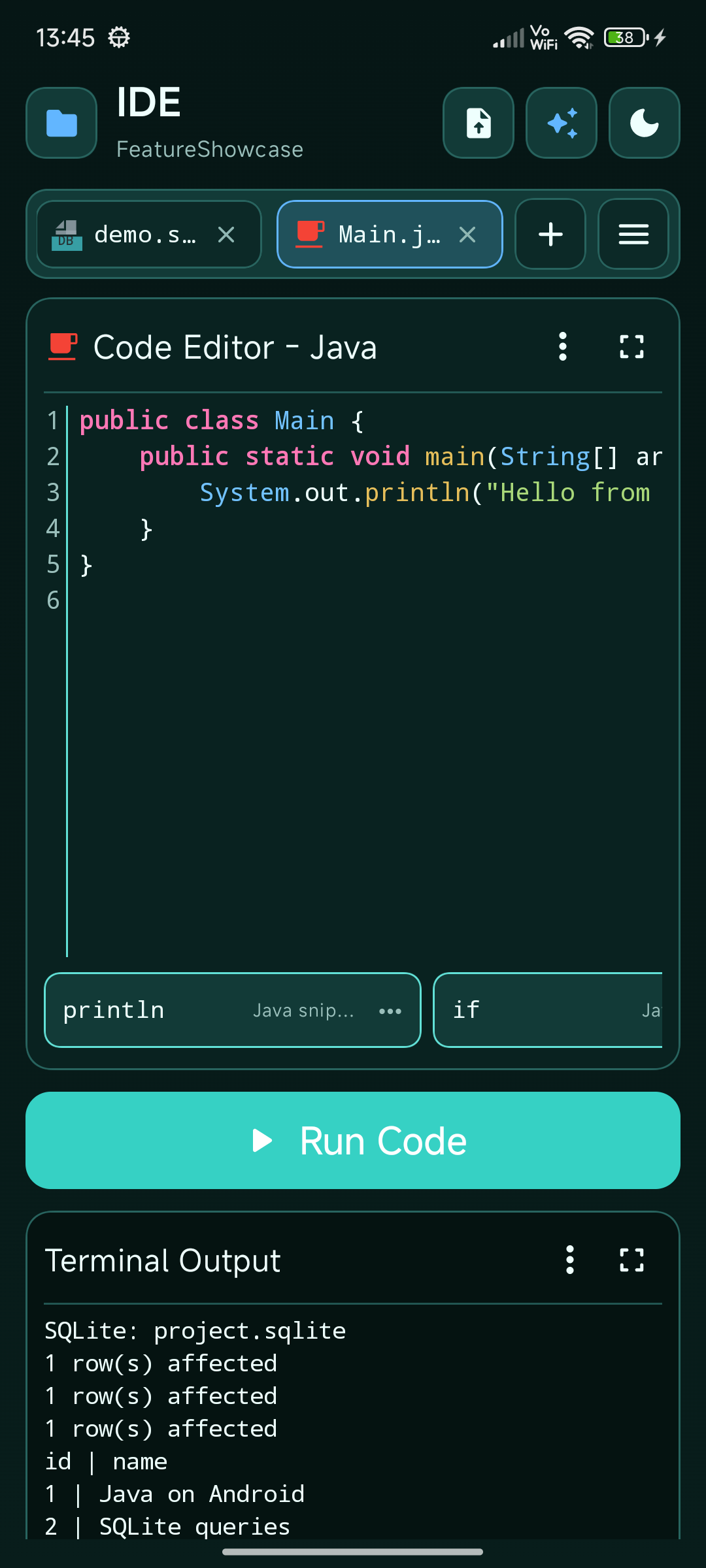
Work with file tabs, syntax highlighting, completion, signature help and supported inspections. Search across files, use editing shortcuts and expand the editor when you need more space.
 View screenshot ↗
PocketCoded Java / Java IDE
Your next Java project starts on Android. Write and run code, follow execution one step at a time and explore JVM performance from your phone.

From first class to working project
Work with file tabs, syntax highlighting, completion, signature help and supported inspections. Search across files, use editing shortcuts and expand the editor when you need more space.
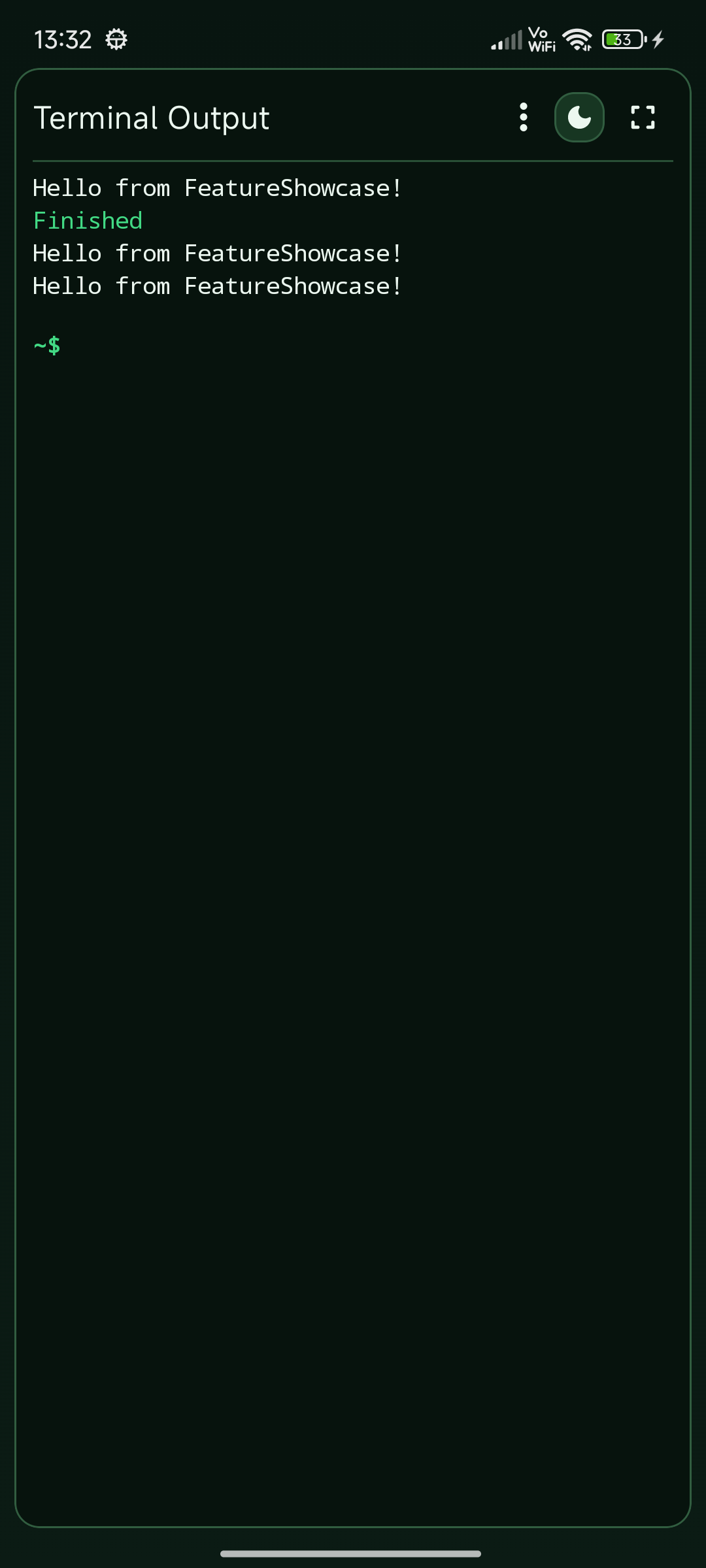
View screenshot ↗Compile and execute Java projects locally, follow console output and enter program input. Save entry points, arguments, working directories and environment settings in run configurations. Language settings support Java 8, 11, 17 and 21.
 View screenshot ↗
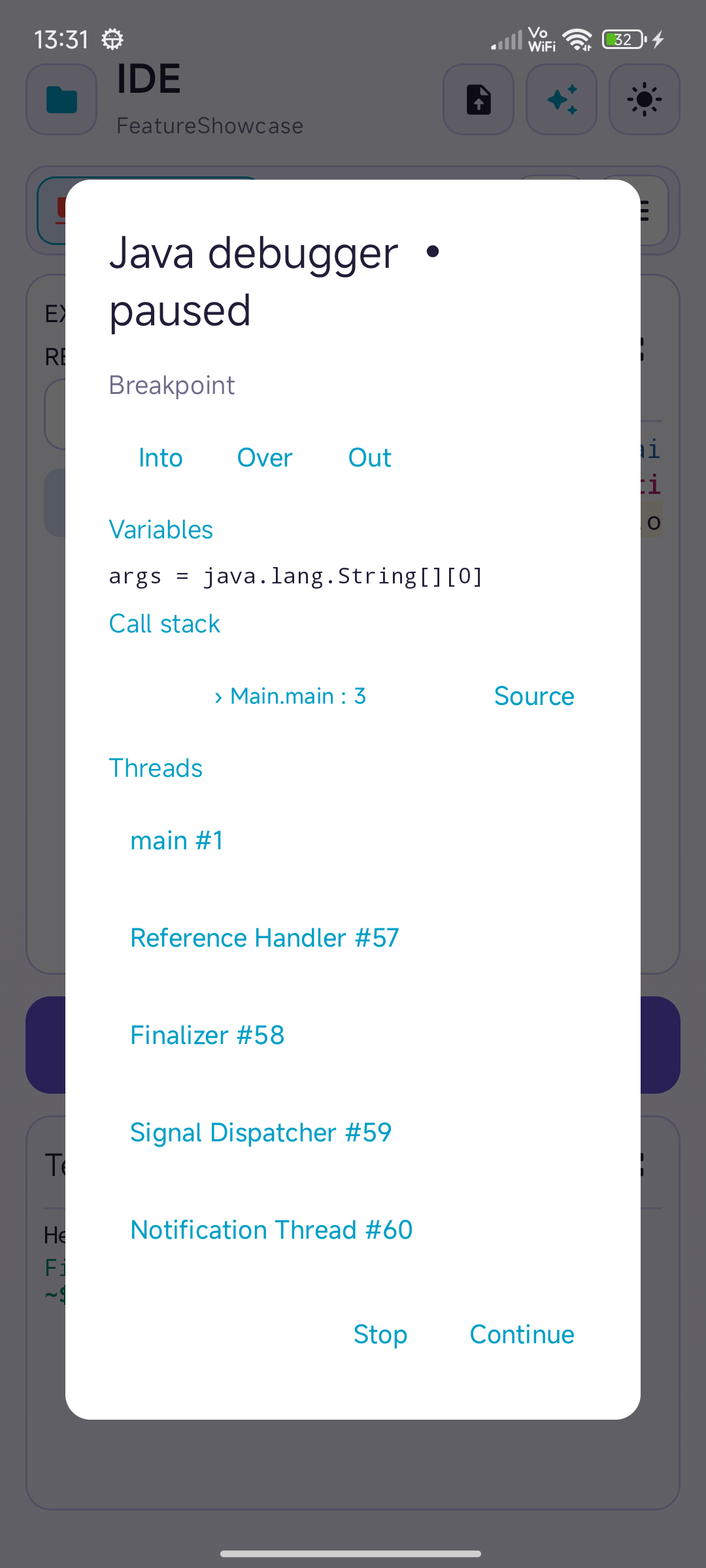
Set breakpoints, pause and continue, and step into, over or out of code. Inspect variables, threads and call-stack frames while debugging a Java main class.
 View screenshot ↗
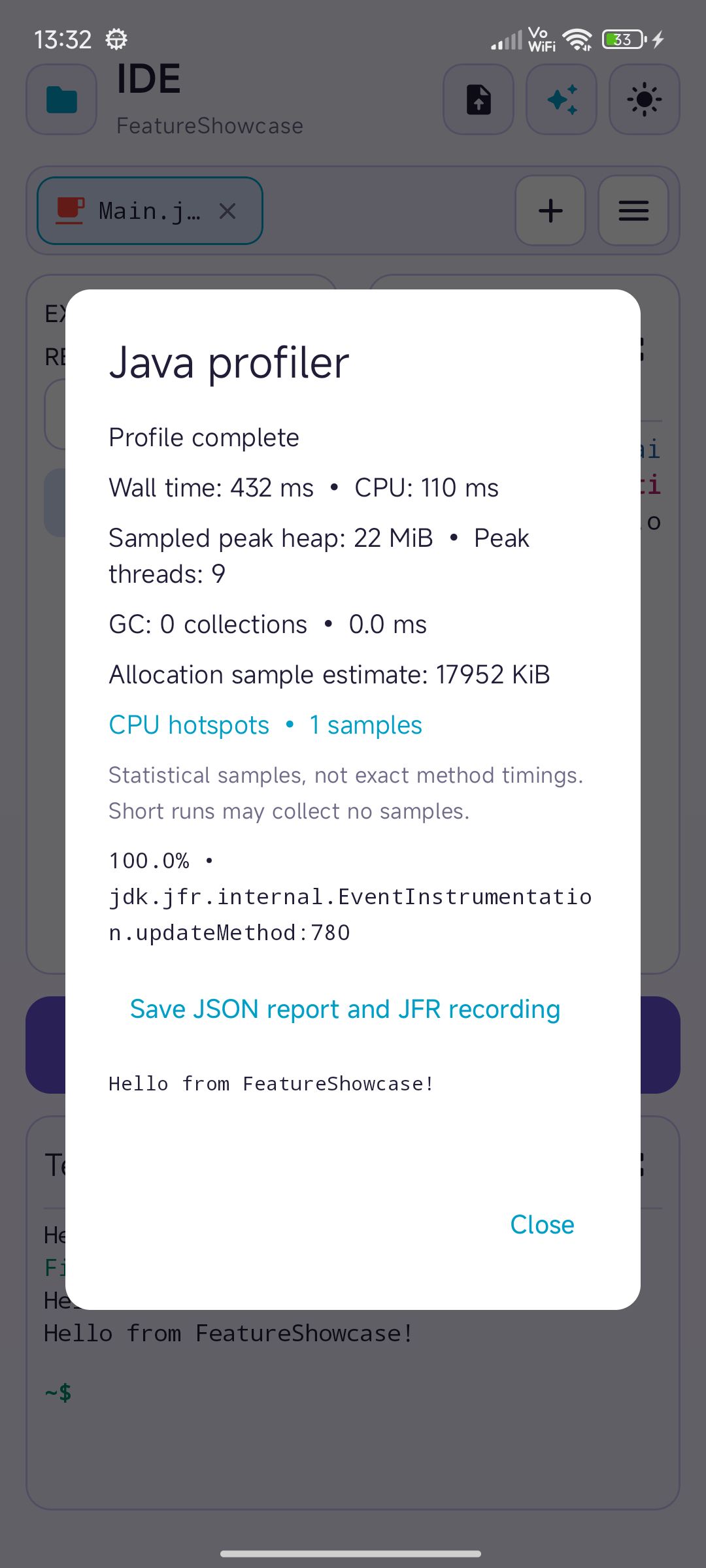
Record Java Flight Recorder sessions and inspect CPU time, sampled heap, threads, allocations and garbage collection. Explore hotspots and export supported reports and recordings.
 View screenshot ↗
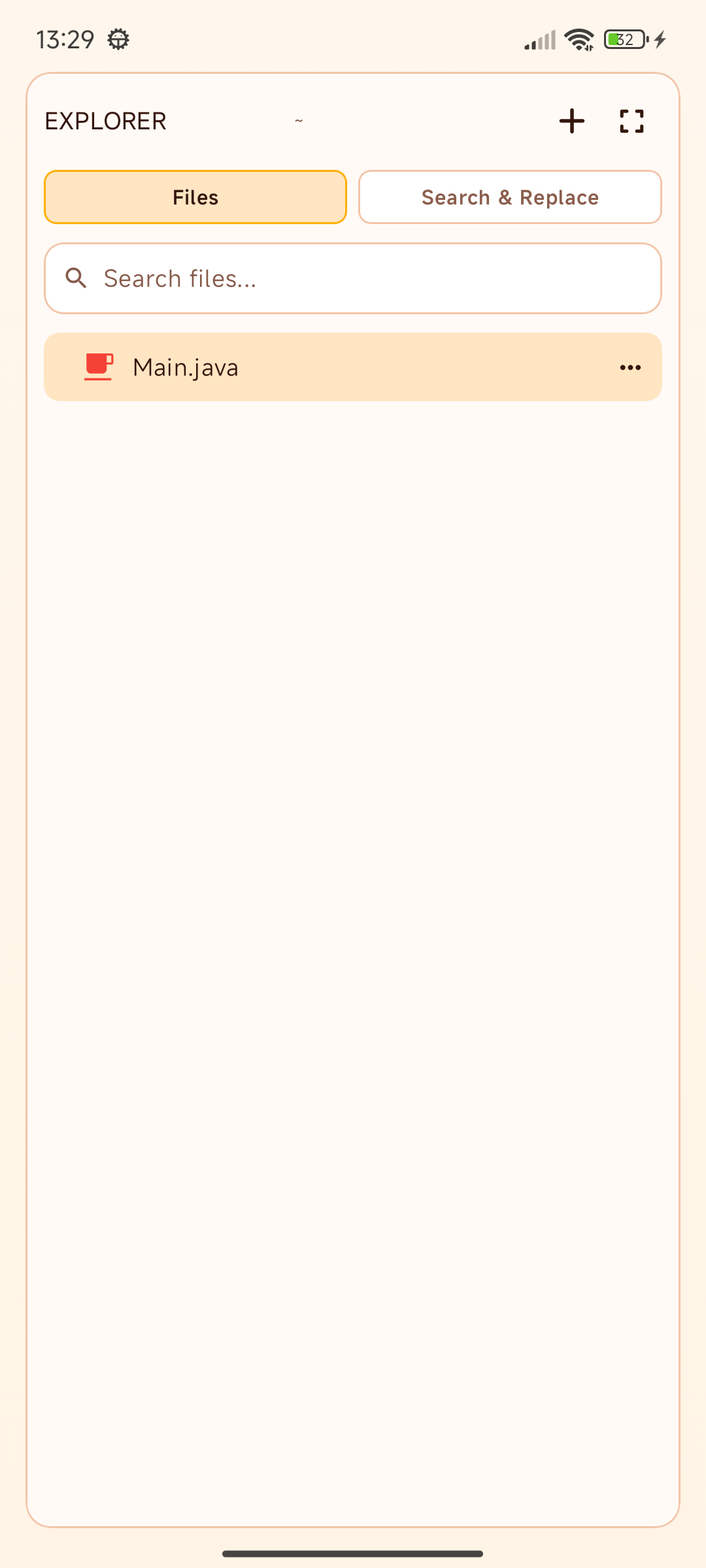
Create a project with Main.java, import ZIP archives or open device files and folders. Organise nested folders, export work and browse local file history.
 View screenshot ↗
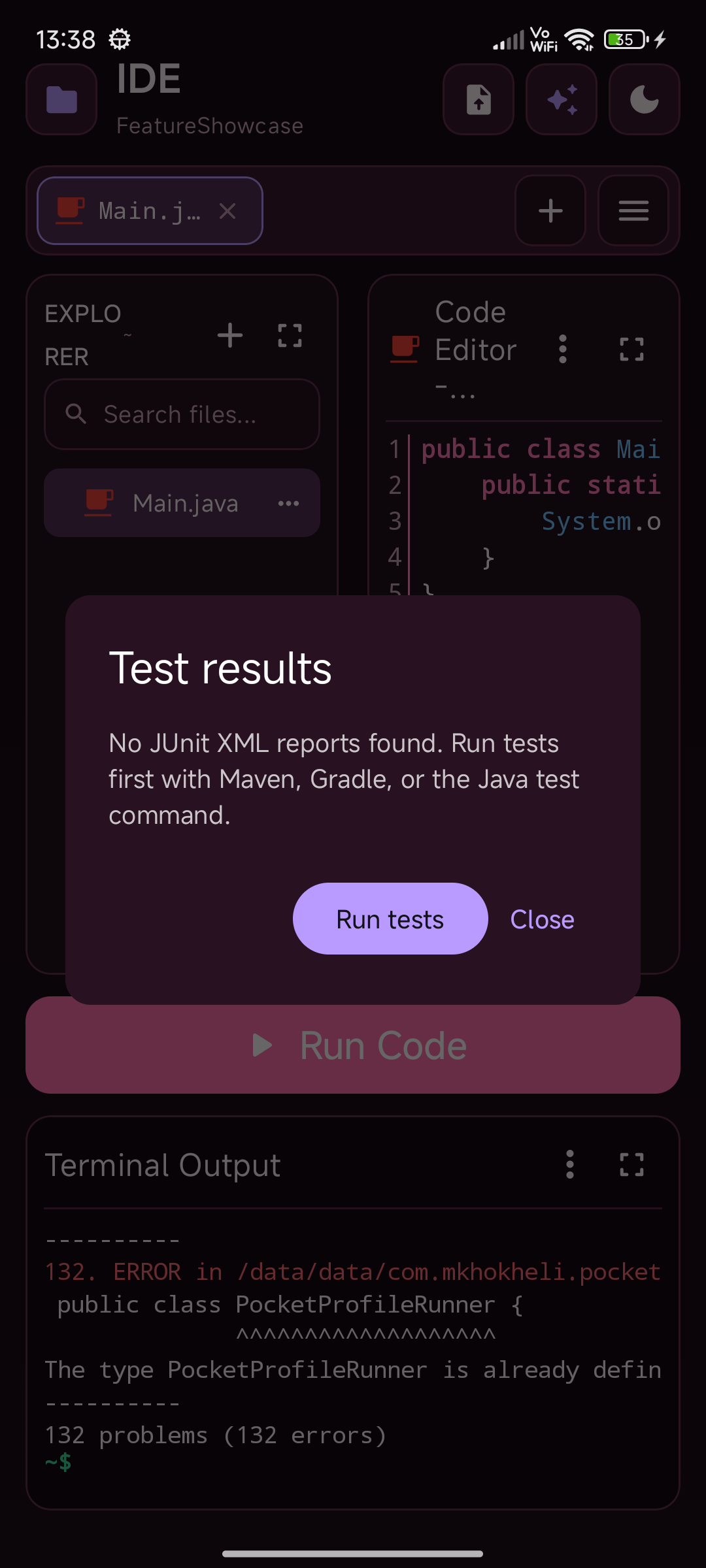
Access Maven, Gradle, sbt and JUnit workflows when their tools and dependencies are available. The supplied capture session did not produce a passing JUnit report; build compatibility depends on your project and runtime setup.
 View screenshot ↗
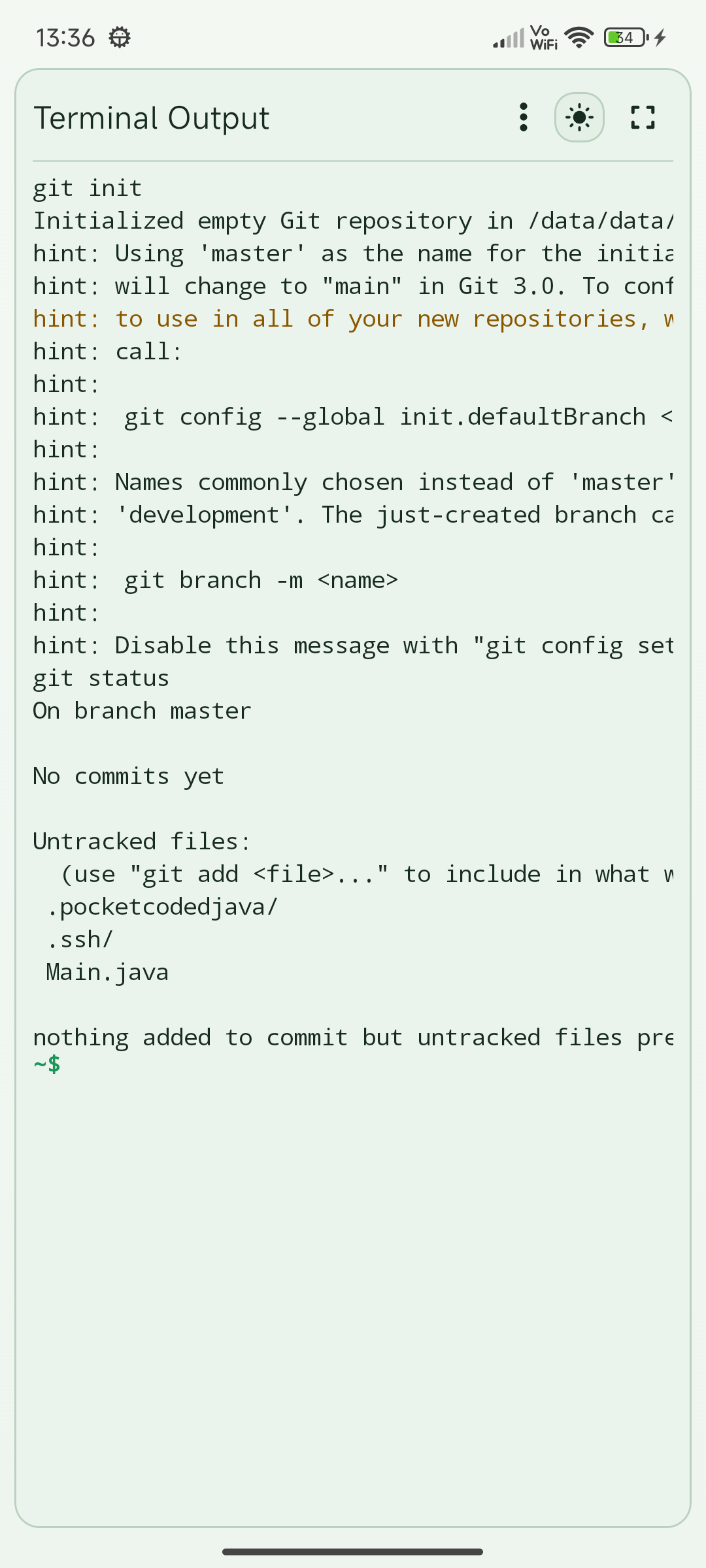
Use Git for local repository setup, status, commits, history and branches. Remote operations and SFTP transfers require a reachable server and suitable authentication.
 View screenshot ↗
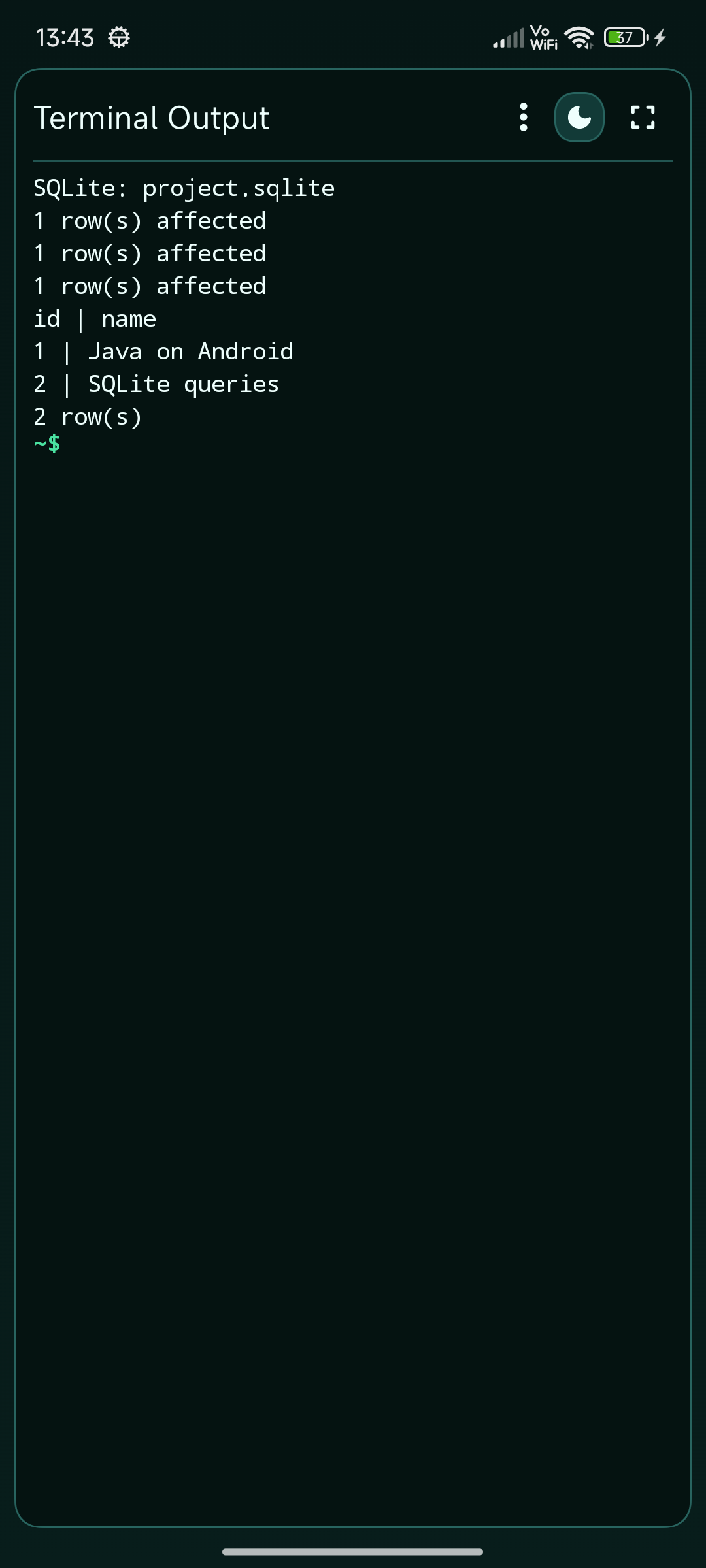
Write SQL and execute queries against embedded SQLite. Optional PostgreSQL and MySQL/MariaDB command-line tools need additional setup; their remote connections were not demonstrated in these captures.
 View screenshot ↗
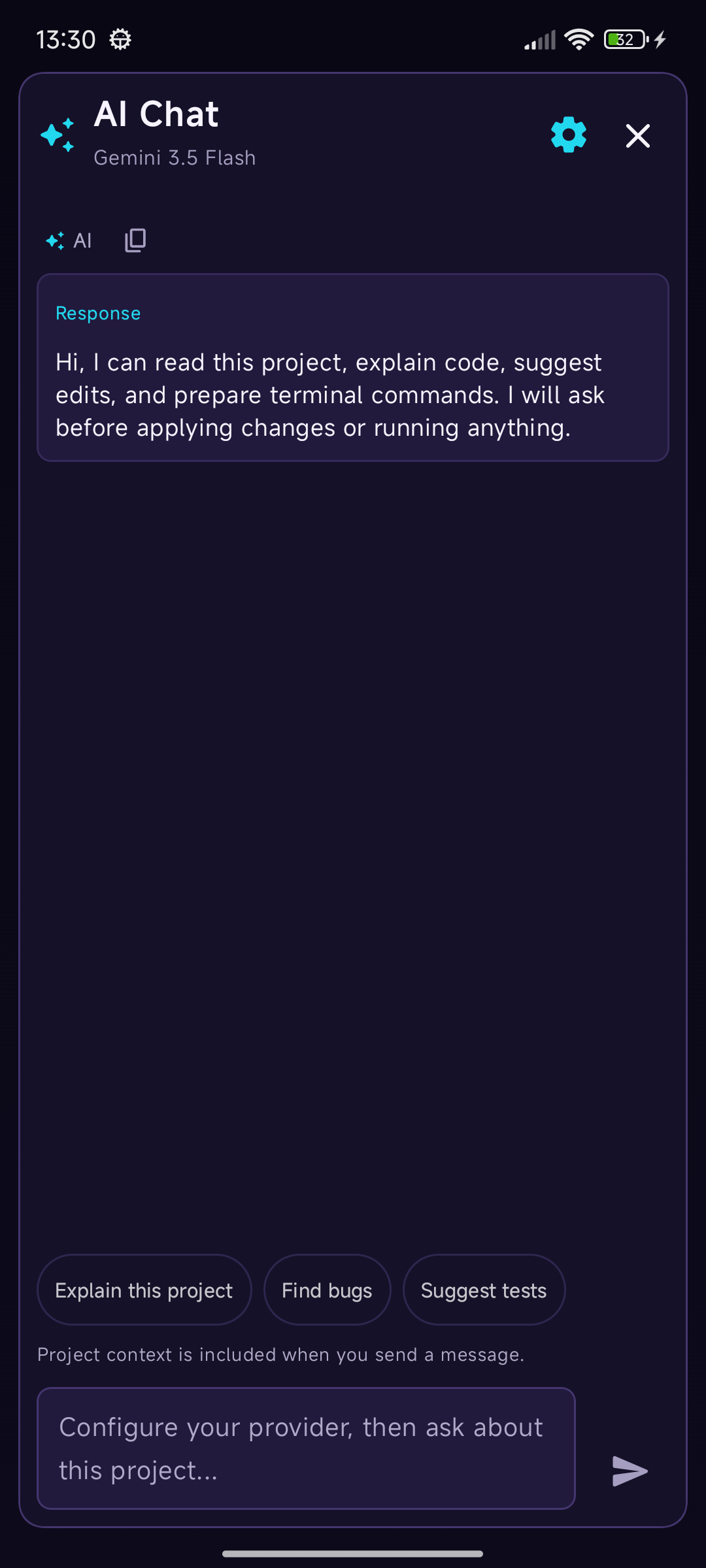
Configure your own AI provider or a reachable compatible endpoint. Ask with project context, review proposed edits or commands before applying them, and undo supported AI file changes. These captures show the interface, without an AI response demonstration.
 View screenshot ↗
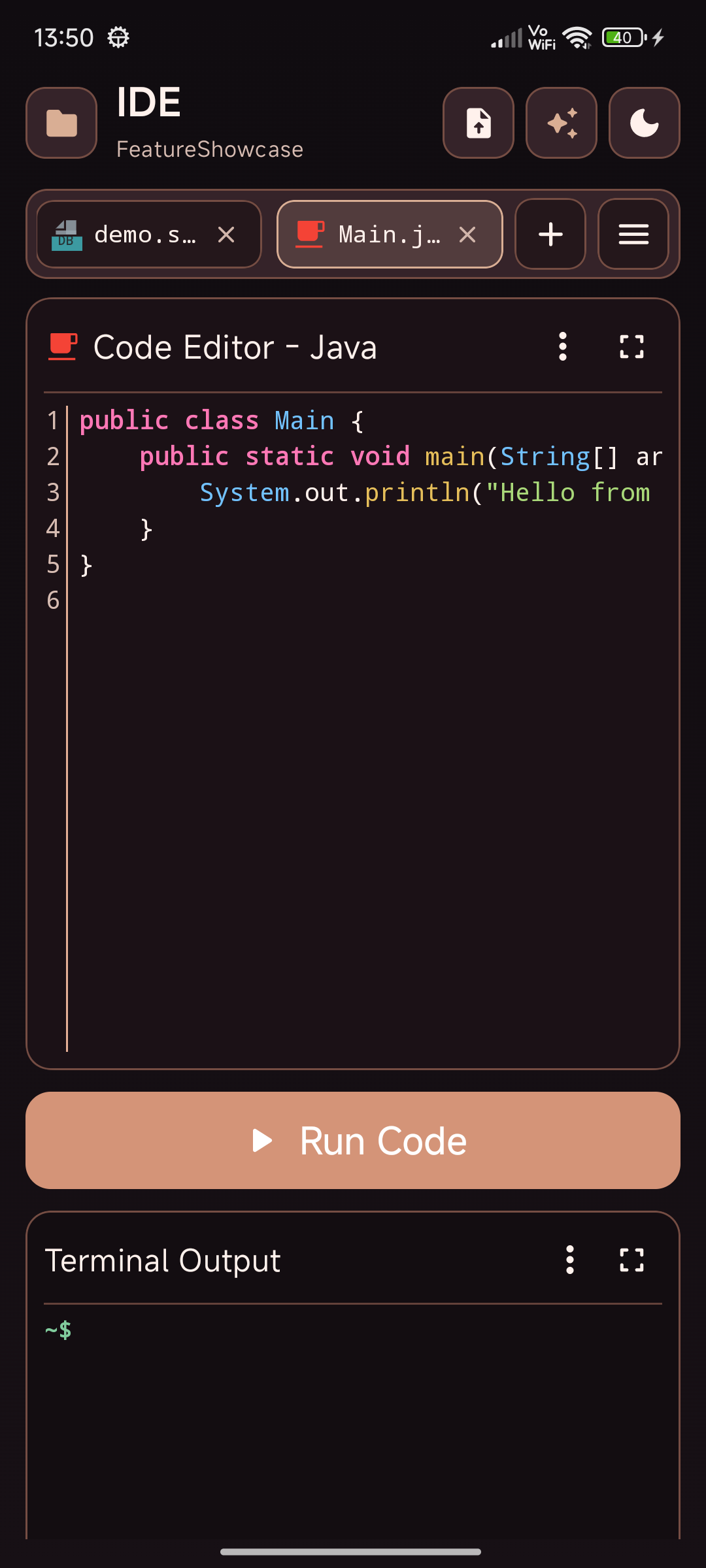
Choose light and dark palettes, including Arctic Mint, Graphite Gold and space-inspired themes. Use fullscreen editor, explorer and terminal views to focus on the task in hand.
 View screenshot ↗
Inside the real app / 26 October 2026
Browse original device captures. Select a screenshot for a closer look. Some captures show setup screens or work in progress.
Before you begin
Advanced JVM tools require an initial runtime download. The larger optional Linux toolset needs several gigabytes. Desktop Java and optional Swing, AWT or JavaFX workflows depend on libraries, phone architecture, runtime setup and a VNC viewer. Optional tool installation was interrupted in the capture session.
Downloads, AI providers, remote Git and SFTP need suitable connectivity and configuration. AI requests share prompts and included project context with your chosen provider; provider usage may cost extra. Main-class debugging currently excludes conditional breakpoints, arbitrary expression evaluation and remote attach.
The app includes a 14-day trial and a one-time Google Play Premium purchase with restoration. Account and access checks may require internet. Check Google Play for current availability and regional pricing. Feature descriptions reflect the supplied source guide and device captures; published versions can differ.